
Turn your ideas into media using an AI App for content creation
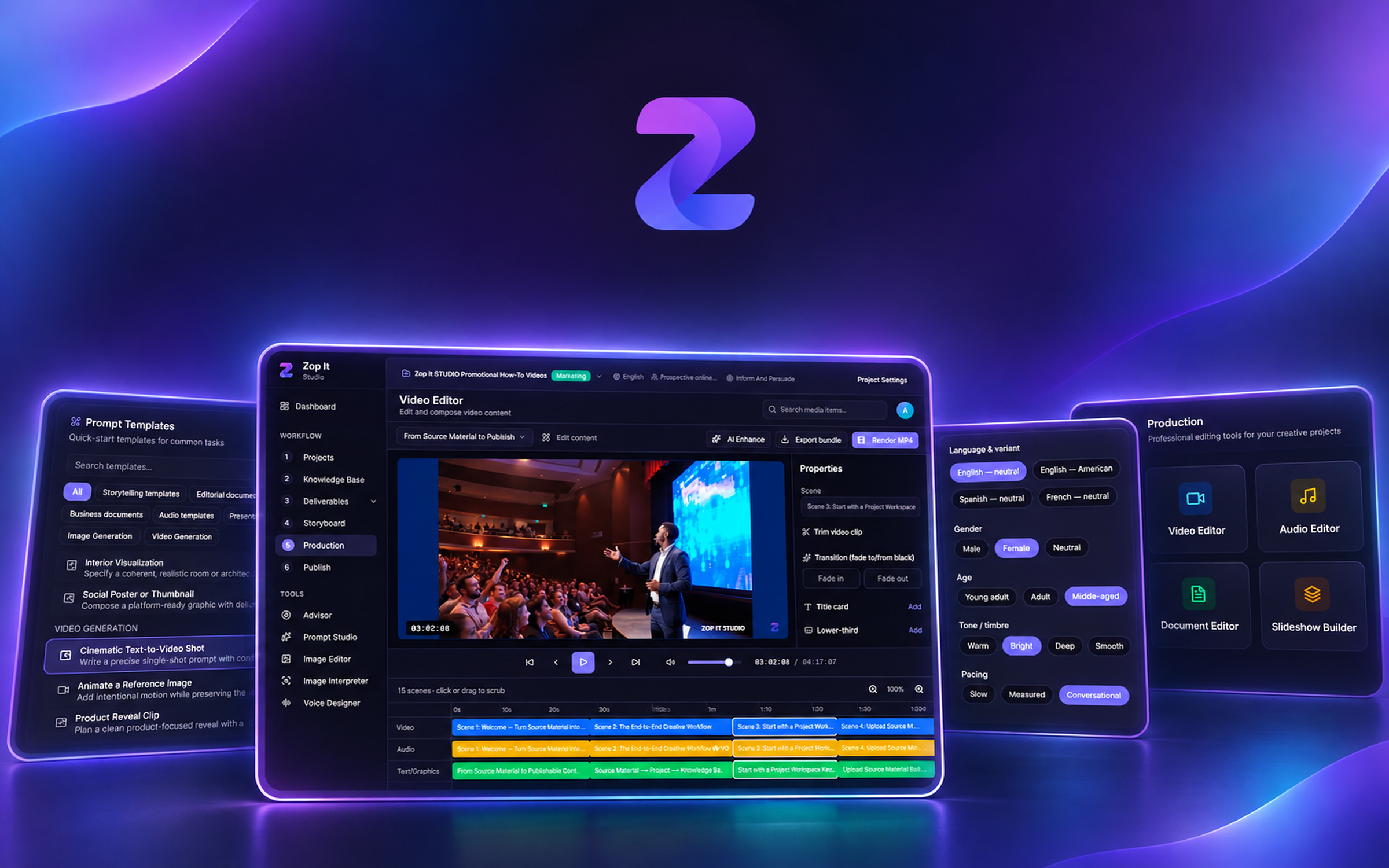
Zop It Studio is for content creators, marketers, educators, and teams who need to produce professional content quickly and efficiently—from video ads and podcasts to presentations, e-learning materials, technical brochures, user manuals, product sheets, video explainers and more.
Organize
Bring every note, file and reference into one structured Knowledge Base.
Create
Generate drafts with the help of AI that knows your material.
Storyboard
Elaborate your visual storyboards, by each section, slide, or scene.
Publish
Export or publish your media portfolio.
One workspace for the whole production
Everything from raw material to a published portfolio, grounded in your own knowledge.

Knowledge Base
Ingest documents, images, videos and links into a searchable, per-project knowledge base.

AI Maker
Draft scripts, outlines and artifacts grounded in your own material — not generic boilerplate.

Advisor agent
Ask questions and get answers from your knowledge base, with natural voice narration.

Screenwriter
Write and refine your story with an AI co-writer that knows your project.

Video Editor
Edit and compose video content with AI assistance, right inside the studio.

Audio Editor
Mix, edit and enhance audio tracks with a clean, timeline-based editor.

Voice Designer
Generate natural, expressive voices to narrate your work in any style or language.

Image Editor
Edit and enhance images with AI tools without leaving your project.

Slideshow Builder
Turn your content into polished presentations in a few clicks.

Use your prompts library
Use Prompt Studio, a workspace for preparing instructions for AI-assisted work.
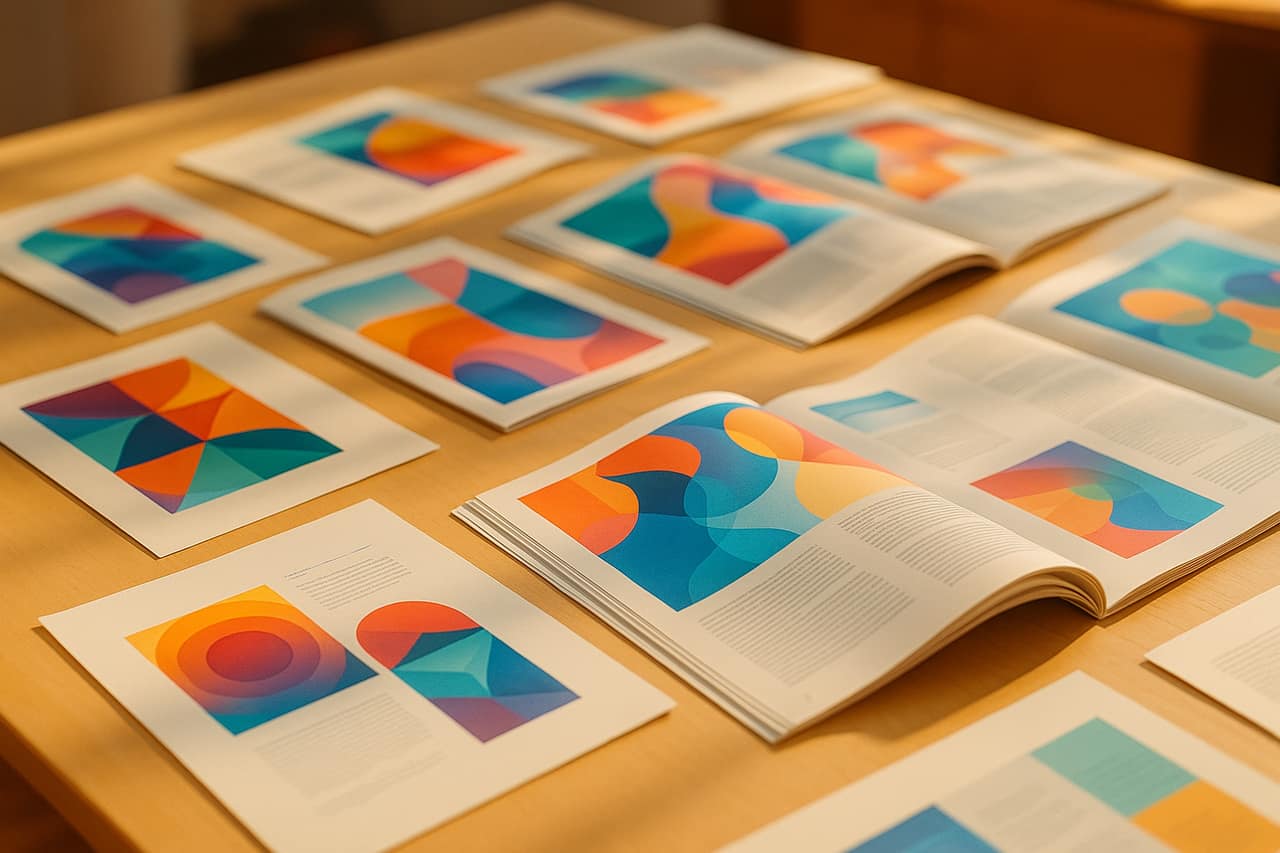
Design with AI
Turn deliverables into branded, editorial PDF, PowerPoint or Videos with one click.

Publish a portfolio
Share a clean portfolio of your finished projects with anyone.
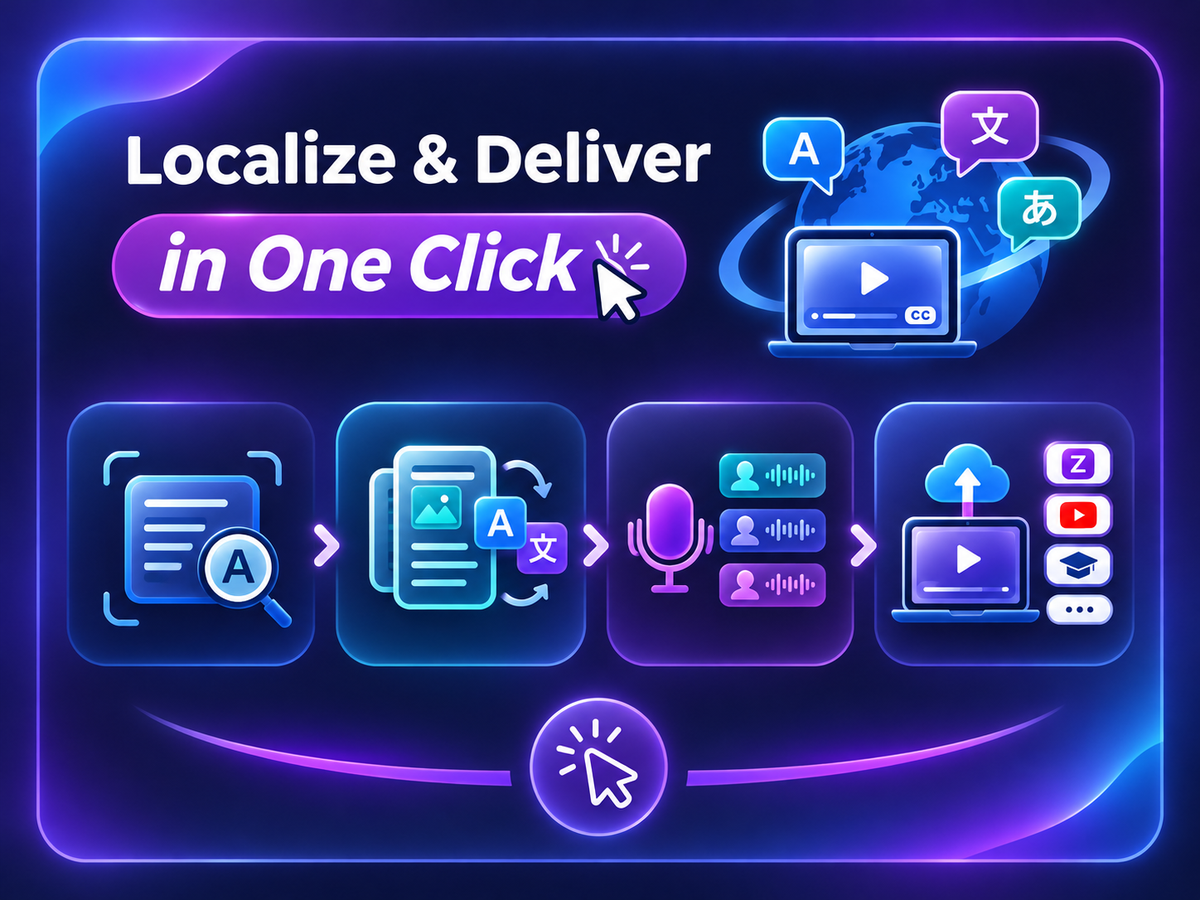
Localize and deliver with ease.
Reach every audience without redoing the work. Translate, re-voice and publish your whole project from a single place.
Auto-translation
Detect the source language and translate content automatically across dozens of languages.
Translate the whole document in one click
Convert an entire deliverable — headings, body, narrations and captions — into a new language instantly.
Multi-format audio packaging
Package narration into multiple audio versions and voices, ready for every channel and language.
One-click publish
Send your finished media assets with a single click straight to Zop It Space, YouTube, your LMS, etc.
From knowledge to published, in four steps
A clear pipeline that takes your material all the way to finished work.
- 1
Organize
Load your Knowledge Base with everything the project needs.
- 2
Storyboard
Let the AI models generate grounded drafts and edit.
- 3
Produce
Shape drafts into ready-to-publish media assets.
- 4
Publish
Publish your portfolio.
Frequently asked questions
Ready to build your studio?
Start organizing, creating and publishing in minutes.
Start creating for free